
Mobile app
Your building, in your pocket.
One app, two workspaces. Residents unlock the door, invite visitors, and see their own access activity. Operators run live response, visitor check-in, and remote door control with the same RBAC and audit as the web console.
Resident
UNLOCK · Doors · Activity · Attendance · Invite
Operator
Live events · Remote door · Check-in · Incident
Platform
Same auth-svc · Same RBAC · Same audit
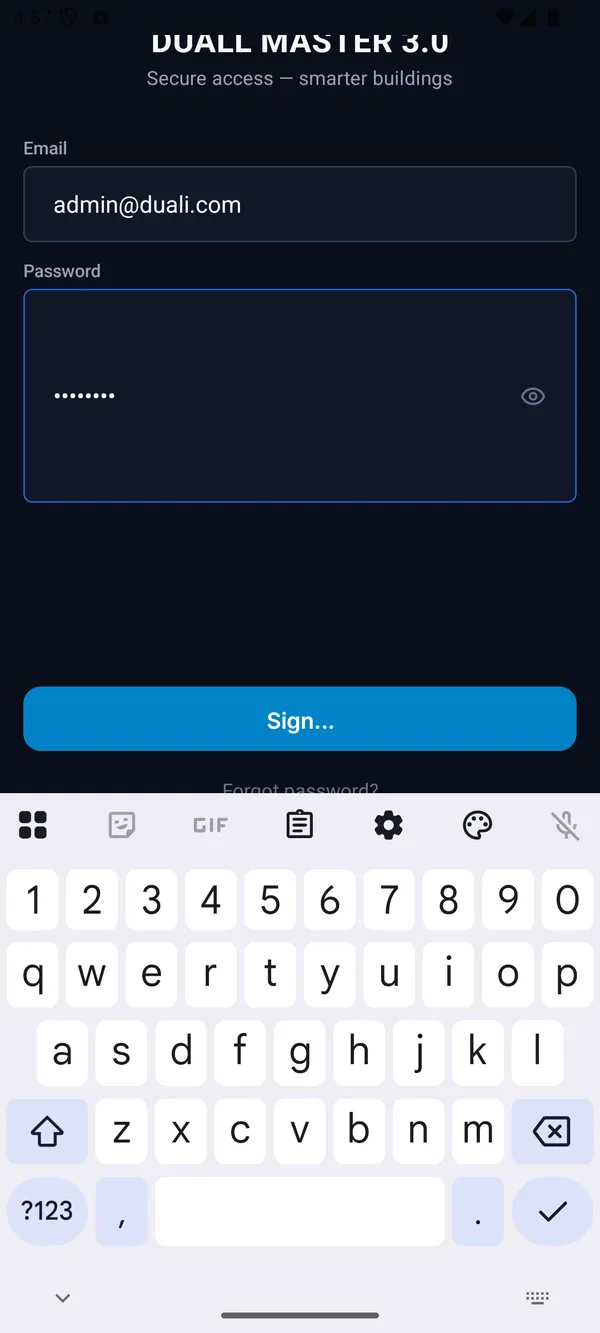
Two workspaces, one app
One install. The workspace switches based on who you are.
A resident sees the resident workspace. A security operator sees the operator workspace. The same person in both roles can switch between them — without logging out, and without losing the audit trail.
Resident
UNLOCK · Doors · Activity · Attendance · Invite
- One-tap UNLOCK
- My doors
- My access events
- Attendance
- Visitor invitations
- Emergency / muster (rolling out)
Operator
Live events · Remote door · Check-in · Incident
- Live event feed
- Remote door control
- Visitor check-in
- Incident response
Same security, smaller screen
A second surface on the same platform — not a parallel system.
The mobile app is not a different backend. It hits the same services, with the same auth, RBAC, and audit log. Every action you take on mobile shows up in the audit hypertable the same way as the console.
Resident
UNLOCK · Doors · Activity · Attendance · Invite
Operator
Live events · Remote door · Check-in · Incident
Platform
Same auth-svc · Same RBAC · Same audit
Mobile in the platform
The mobile app is a client of the same platform spine.
Tap any layer to see how it helps a buyer evaluate the platform.
Signal
Doors, visitors, cameras, intercoms, parking, and devices generate live operational signals instead of isolated alerts.
01Signal
Doors, visitors, cameras, intercoms, parking, and devices generate live operational signals instead of isolated alerts.
02Context
Each signal becomes useful because operator, person, role, site, zone, policy, and related module records are shown together.
03Action
Teams approve, deny, review, escalate, annotate, or link evidence without leaving the command surface.
04Audit
Every decision keeps the who, what, when, why, and related evidence needed for handoff, reporting, and investigation.
No mobile-only backend — the same services that serve the web console serve the app.
Best fit
Where the phone is the right surface.
Residential and mixed-use buildings, distributed campuses, on-call security, and visitor-heavy sites where reception isn't always staffed.
Next step
See the mobile app alongside the platform
Walk through the resident and operator workspaces on a real device, with your own deployment in mind.